
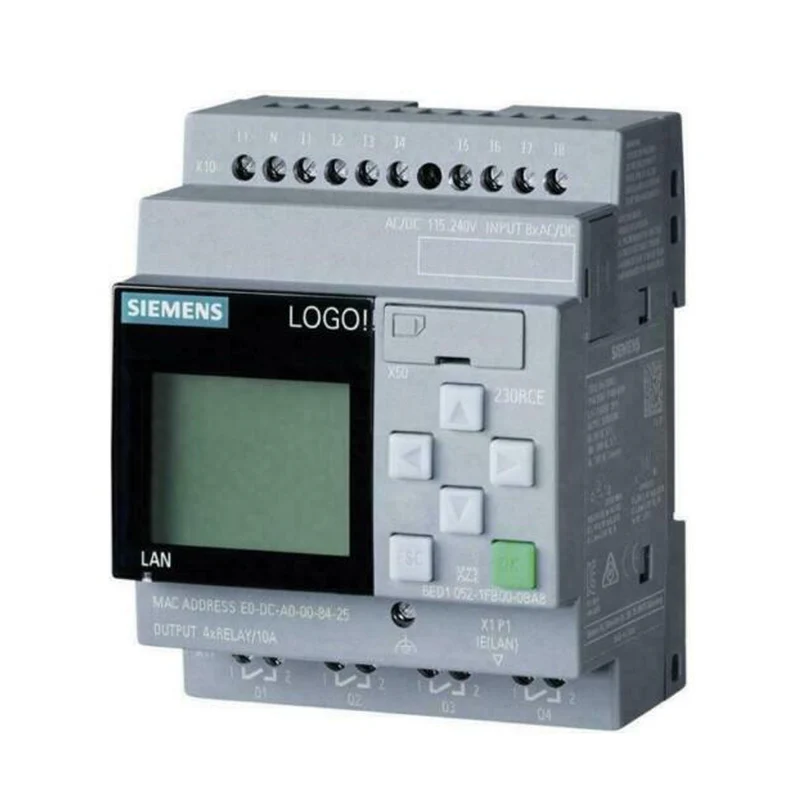
The Siemens GPMI-2-HW-KEY is the SD Global Key that upgrades a FireFinder XLS PMI-2 to a Global PMI-2. It ships as part of the GPMI-2-UK upgrade kit, together with installation instructions. In short, it is a hardware key — an SD card — not a software disc.
So what does “Global” mean here? A Global PMI can acknowledge, silence, and reset events for every node on an XNET network. Furthermore, it displays events from other FireFinder XLS panels, plus legacy MXL and MXL-IQ panels. Graphics for all nodes can also be stored in the Global PMI.
How the Siemens GPMI-2-HW-KEY installs
Installation is straightforward for a trained technician. First, insert the GPMI-2-HW-KEY into the SD#2 (J19) slot on the rear of the PMI-2. The label faces out, with the pinholes facing down. Then, transfer the global configuration to a standard SDHC card using the Zeus Programming Tool. That memory card goes into the SD#1 (J18) slot. Finally, push the configuration to the panel over the PMI-2 upload USB port.
The two slots are not interchangeable. Specifically, the key in SD#2 provides the Global capability. Meanwhile, the SD card in SD#1 holds the global and local configuration backup.
Key Features
- SD Global Key for upgrading a local or standalone XLS node PMI-2 to a Global PMI-2
- Enables Acknowledge, Silence, and Reset of events across all XNET network nodes
- Displays events from FireFinder XLS, MXL, and MXL-IQ panels on the network
- Installs in the PMI-2 rear SD#2 (J19) slot
- Configured with the Siemens Zeus Programming Tool
- Supplied as part of the Siemens GPMI-2-UK upgrade kit
For more information, contact the Life Safety Consultants team at (888) 557-0558, or email us at: sales@lifesafetycom.com
Additional information
| Weight | 0.2 lbs |
|---|---|
| Dimensions | 0.1 × 5 × 7 in |
| Condition | New |
| Manufacturers | Siemens |
| Part Type | Module |